How to Create Amazing Pet Art with AI: Complete Guide
Transform your beloved pet photos into stunning artistic masterpieces using AI technology. This comprehensive guide will show you exactly how to get the best results.
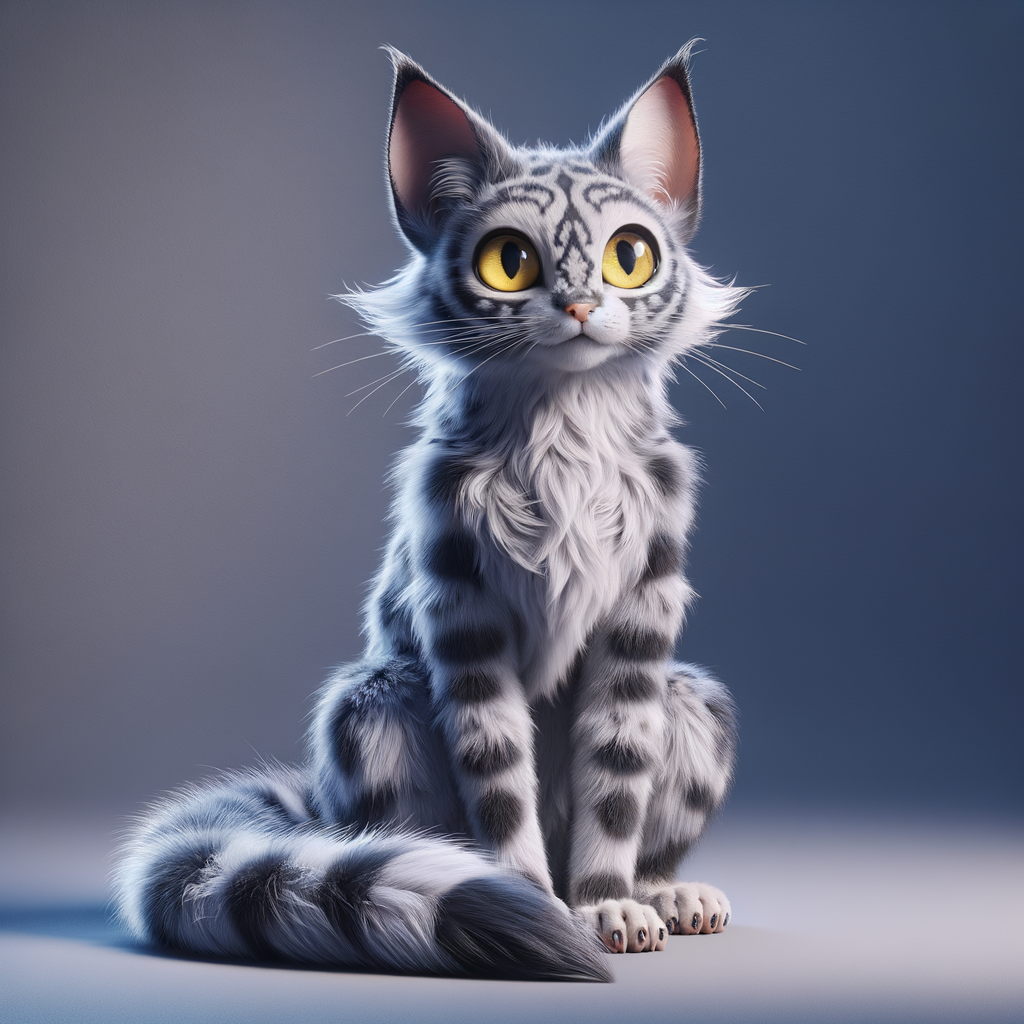
Example: Original pet photo transformed into Pixar 3D Animation style
Creating stunning pet art has never been easier thanks to AI technology. Whether you want to surprise a fellow pet lover with a unique gift or simply immortalize your furry friend in a beautiful artistic style, this guide will walk you through the entire process step by step.
Step 1: Choose the Perfect Pet Photo
✅ Good Photos:
- • High resolution (at least 1024x1024 pixels)
- • Clear, well-lit image
- • Pet is the main subject
- • Front-facing or three-quarter angle
- • Minimal background distractions
- • Pet's eyes are visible and in focus
❌ Avoid These:
- • Blurry or low-resolution images
- • Multiple pets in one photo
- • Heavy shadows or poor lighting
- • Pet wearing clothes or accessories
- • Side or back view only
- • Heavily filtered photos
Step 2: Select Your Artistic Style
PetStyle AI offers 30+ unique artistic styles. Here are some of the most popular categories:
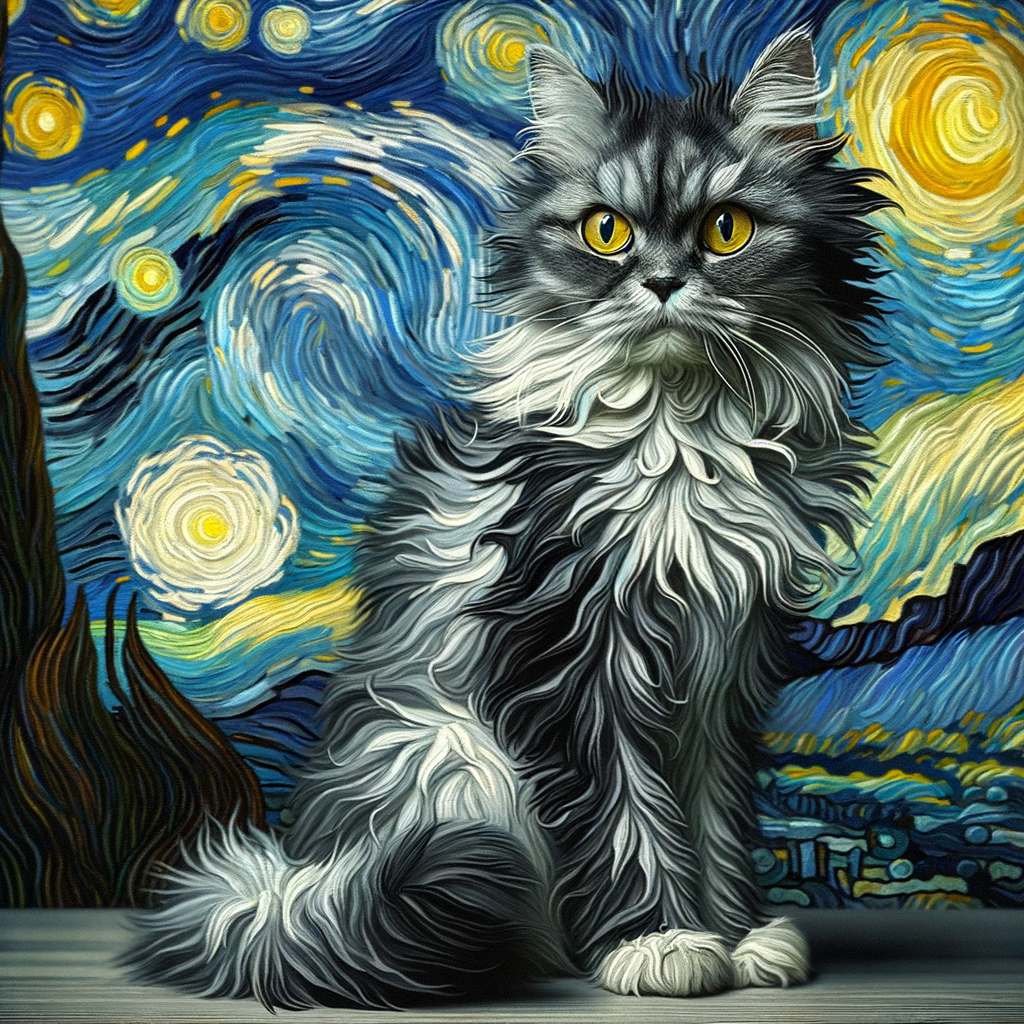
Classic Art Styles
Van Gogh, Renaissance, Impressionist
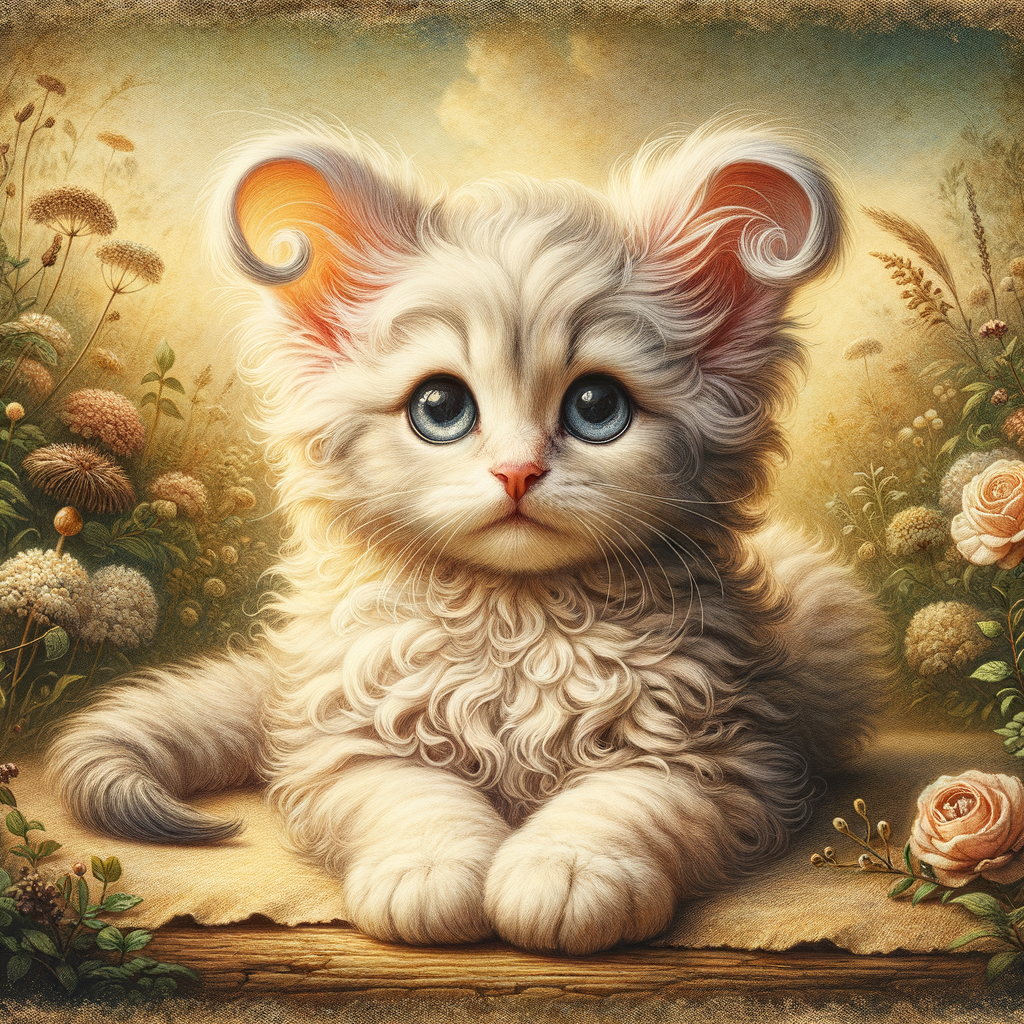
Animation Styles
Pixar, Studio Ghibli, Disney
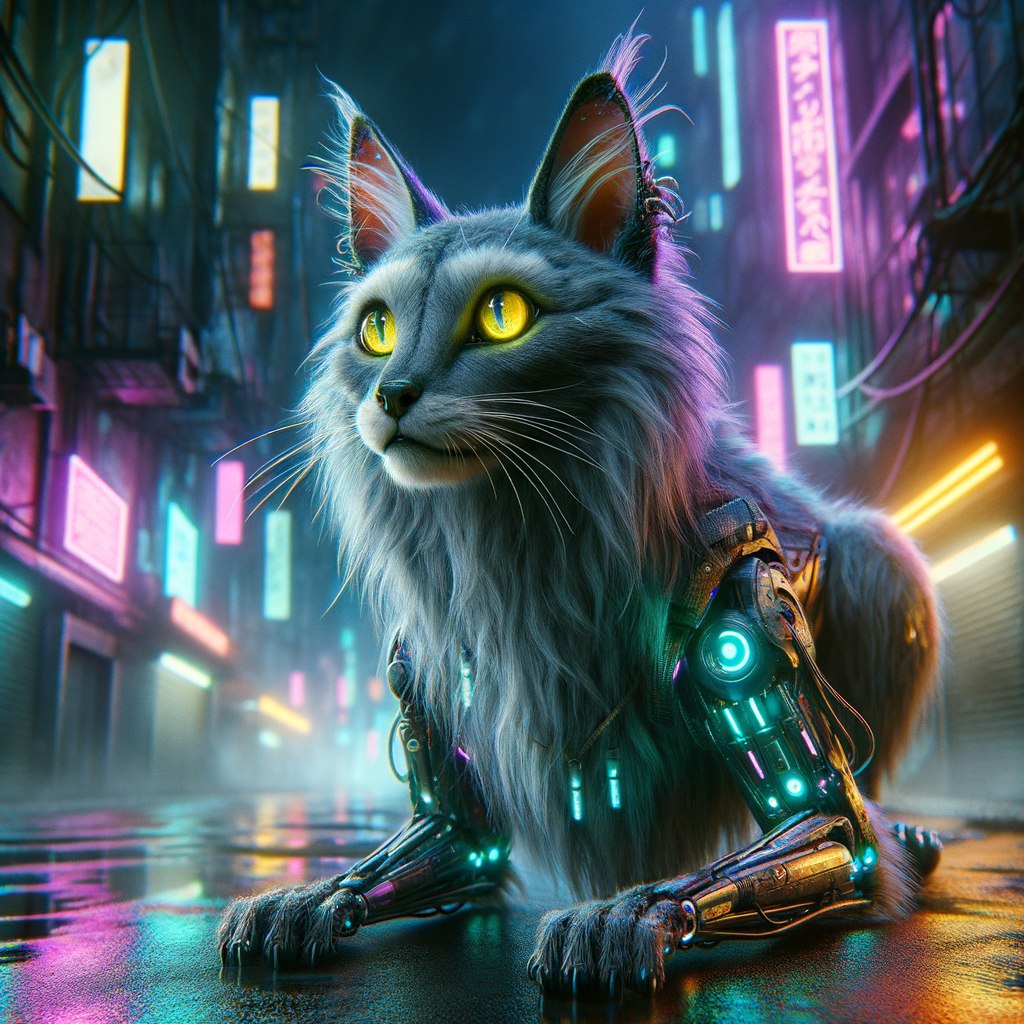
Modern & Futuristic
Cyberpunk, Neon, Minimalist
Step 3: Upload and Generate
- 1. Visit PetStyle AI: Go to our creation page and enter your API key
- 2. Upload Your Photo: Click the upload area and select your pet photo
- 3. Choose Style: Browse through our style gallery and click on your preferred style
- 4. Generate: Click the "Generate Styled Image" button
- 5. Wait: Our AI takes 10-30 seconds to create your masterpiece
💡 Pro Tip:
Each generation uses 1 credit. If you're not satisfied with the result, try a different style or adjust your photo for better results!
Step 4: Download and Share
Once your pet art is generated, you can:
- • Download: Save the high-resolution image to your device
- • Share: Post directly to social media or share with friends
- • Print: Create physical prints, canvases, or merchandise
- • Gift: Use as unique personalized gifts for pet lovers
Pro Tips for Best Results
Photography Tips
- • Use natural lighting when possible
- • Get down to your pet's eye level
- • Use treats to get their attention
- • Take multiple shots to choose the best one
Style Selection Tips
- • Consider your pet's personality
- • Match colors to your pet's coat
- • Try multiple styles for variety
- • Popular styles: Van Gogh, Pixar, Anime
Most Popular Pet Art Styles
Van Gogh Starry Night
Pixar 3D Animation
Studio Ghibli
Cyberpunk Future
Renaissance Oil
Anime Portrait
Fantasy Dragon
Watercolor Painting
Ready to Create Your Pet Art?
Transform your pet photos into stunning artwork with our AI pet style generator. 30+ artistic styles available!